
Digital Declutter: A Checklist for Your Devices
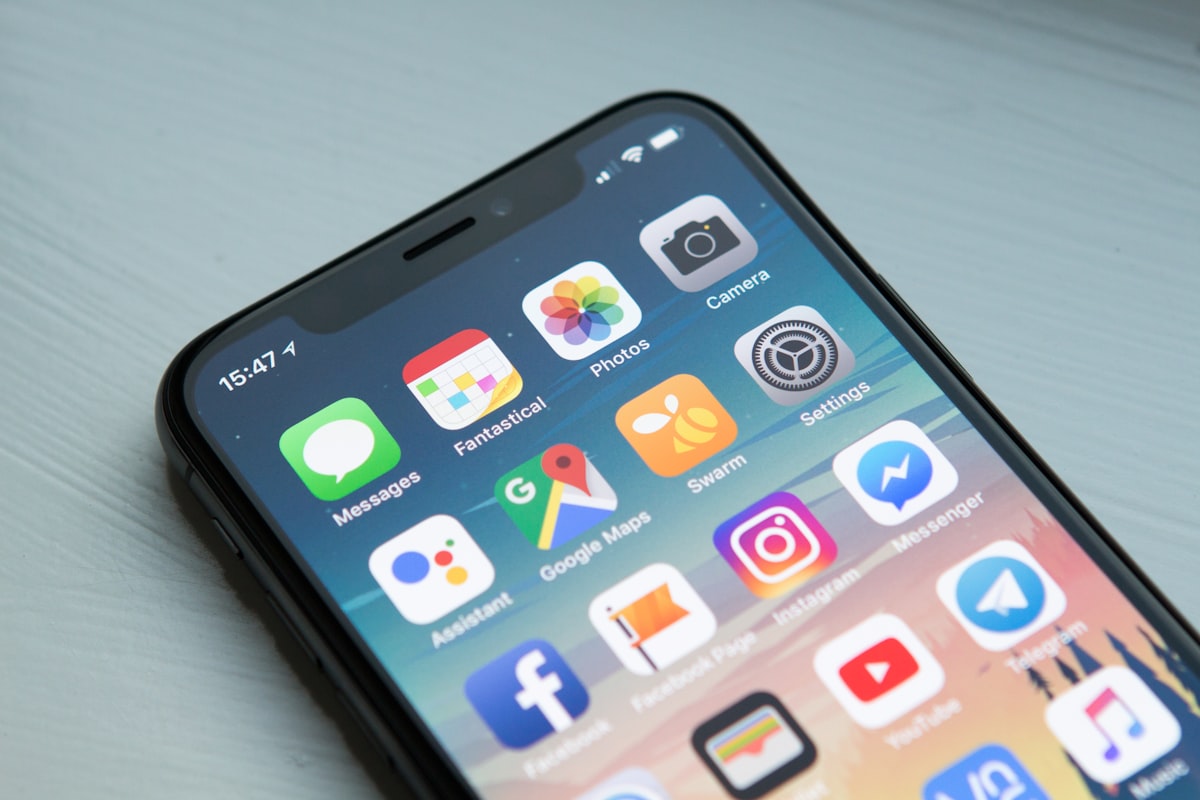
We think a lot about decluttering our physical spaces, but our digital lives deserve the same attention. The constant notifications, the 47 open browser tabs, the apps you downloaded once and never opened again—it all adds up to a kind of mental clutter that's easy to ignore but draining to live with.
A digital declutter doesn't have to be a massive undertaking. Even an hour spent clearing out the noise can make your devices feel lighter and your mind a little calmer.
Here's a room-by-room approach—except the rooms are your devices.
Your phone
This is probably the most cluttered space you own. It's also in your hand constantly, so a little cleanup goes a long way.
Apps
- Delete apps you haven't used in 3+ months
- Remove duplicate apps (do you need three weather apps?)
- Organize remaining apps into folders or move off the home screen
- Disable apps you can't delete but don't use
Notifications
- Go through notification settings app by app
- Turn off notifications for anything non-essential
- Keep only what genuinely needs your attention
- Consider scheduling notification summaries for less urgent apps
Photos
- Delete duplicates and blurry shots
- Remove screenshots you no longer need
- Back up photos to cloud storage
- Clear recently deleted folder
Storage
- Check storage usage in settings
- Clear cached data for apps that allow it
- Offload unused apps (keeps data, removes app)
- Delete old downloads and attachments
Home screen
- Remove widgets you don't actually check
- Simplify to the apps you use daily
- Consider a minimal home screen setup (fewer distractions)
Your phone should work for you, not demand your attention constantly.
Your computer
Desktops and laptops accumulate clutter too—files, folders, and forgotten downloads.
Desktop
- Clear your desktop of old files
- Move documents to proper folders
- Aim for a clean desktop with minimal icons
- Delete old screenshots and temp files
Downloads folder
- Sort by date and review old downloads
- Delete installers, receipts, and random PDFs
- Move anything worth keeping to the right folder
Documents and files
- Create a simple folder structure if you don't have one
- Archive old projects you're not actively using
- Delete duplicates and outdated versions
- Empty the trash when you're done
Applications
- Uninstall programs you no longer use
- Review startup programs (disable ones that slow boot time)
- Update apps that need updating
Browser
- Close tabs you've had open for weeks
- Clear bookmarks you'll never revisit
- Remove extensions you don't use
- Clear browsing history and cache
Your email
Email is its own beast, but a cleanup session can give you a fresh start.
Inbox zero (or inbox manageable)
- Archive or delete emails older than a year
- Unsubscribe from newsletters you don't read
- Create folders or labels for organization
- Set up filters for recurring emails
Drafts and sent
- Delete old drafts you'll never finish
- Clear out ancient sent mail if storage is an issue
Subscriptions
- Scroll through recent emails and look for patterns
- Unsubscribe aggressively—you can always resubscribe
- Use unsubscribe tools if available in your email client
Your cloud storage
Google Drive, Dropbox, iCloud—wherever you store files, they pile up.
Review and delete
- Sort by size to find storage hogs
- Delete old backups and duplicates
- Remove files shared with you that you no longer need
- Archive old work to external storage if needed
Organize
- Create a simple folder system
- Name files descriptively
- Move scattered files into appropriate folders
Check sharing
- Review what you've shared with others
- Revoke access to old shared files
- Check what's been shared with you and decline what you don't need
Your social media
Social feeds become noisy over time. A curated feed is a calmer feed.
Unfollow and mute
- Unfollow accounts that don't add value
- Mute accounts you want to stay connected to but not see constantly
- Leave groups you never engage with
Privacy check
- Review privacy settings
- Check what apps have access to your accounts
- Revoke access for apps you no longer use
Notification pruning
- Turn off notifications for likes, comments, follows
- Keep only what's genuinely important (DMs, maybe)
Your passwords and accounts
While you're at it, tackle some digital security.
Password manager
- Delete logins for accounts you've closed
- Update weak or reused passwords
- Enable two-factor authentication where available
Old accounts
- Close accounts you no longer use
- Check haveibeenpwned.com for compromised accounts
- Update security questions if they're outdated
Making it sustainable
A declutter is great, but maintenance is what keeps things tidy.
Weekly habits
- Clear photos and screenshots
- Process downloads folder
- Keep inbox under control
Monthly habits
- Review app usage
- Unsubscribe from new noise
- Quick file cleanup
Quarterly habits
- Deeper device cleanups
- Review subscriptions and accounts
- Backup important data
You don't need to do everything at once. Pick one device or one area and start there. The momentum builds.
Your digital reset
A cleaner digital life isn't about perfection—it's about reducing the noise. Fewer notifications demanding your attention. Fewer apps cluttering your screen. Fewer files making you wonder "what even is this?"
Browse our productivity templates for digital declutter checklists, or create your own in CheckYourList. Work through it at your own pace, and enjoy the calm that comes from a lighter digital load.
Here's to clearer screens and quieter notifications.